 FIXSIM
Session Reports
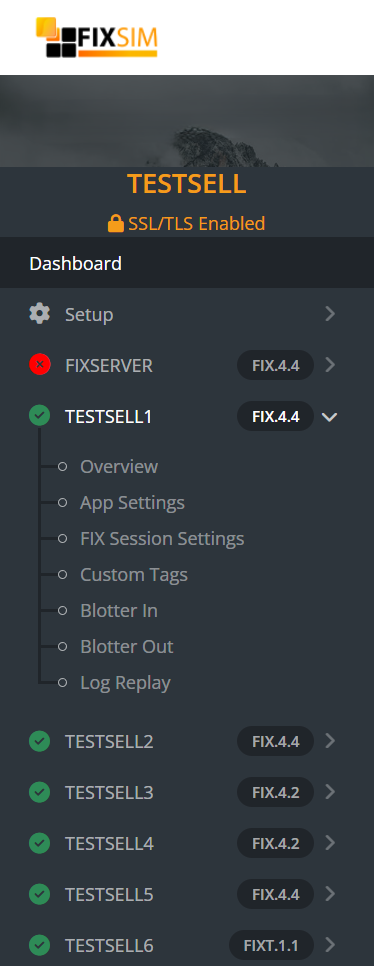
Each FIXSIM Session has views and settings that apply only to itself. Under each session in the sidebar menu, you can select the report you wish to view:
- Overview - Live FIX message traffic
- App Settings - Default application behavoir for this session
- FIX Session Settings - Modify FIX session settings for this session
- Custom Tags - Define standard/custom tags to override per message type.
- Blotter In - Orders recevied IN to FIXSIM, sent from your application.
- Blotter Out - Orders sent OUT from FIXSIM to your application.
- Log Replay* - Replay FIX message logs and download logs. *Avaliable in some pricing tiers.
Overview
App Settings
FIX Session Settings
Custom Tags
Blotter In
Blotter Out
Log Replay
