 FIXSIM
Log Replay
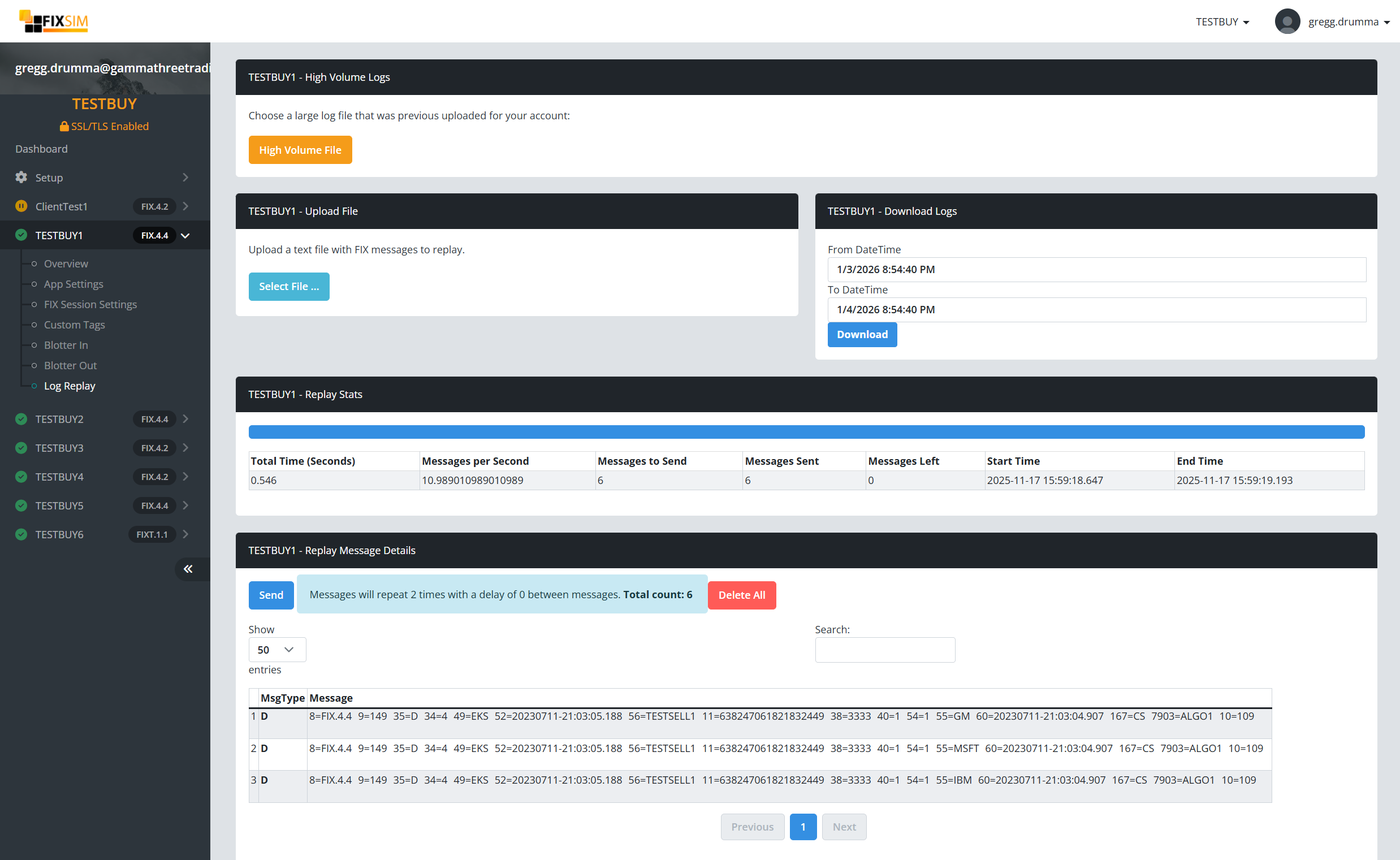
The Log Replay report provides users a way to upload log files to replay in FIXSIM, view statistics on replay performance, and download session logs.
Upload File

Use this section to upload a text file with valid FIX messages. FIX messages can use the standard FIX delimeter SOH (0x01) character or the pipe (|) delimeter.
Download Logs
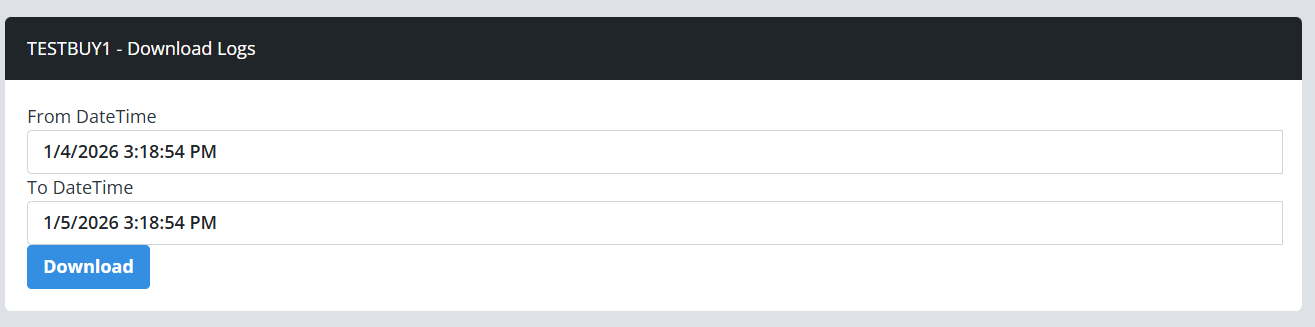
Logs can be downloaded (if available) from FIXSIM of the session by specifiying a start time and end time. A text file will be returned to the browser with FIX messages both sent and received by this FIX session between the specified times.
Replay Stats

This window provides statistics of the most recent replay of the log file messages. Stats include total number of messages sent, start time and end time in UTC, messages per second, and more details.
Replay Message Details
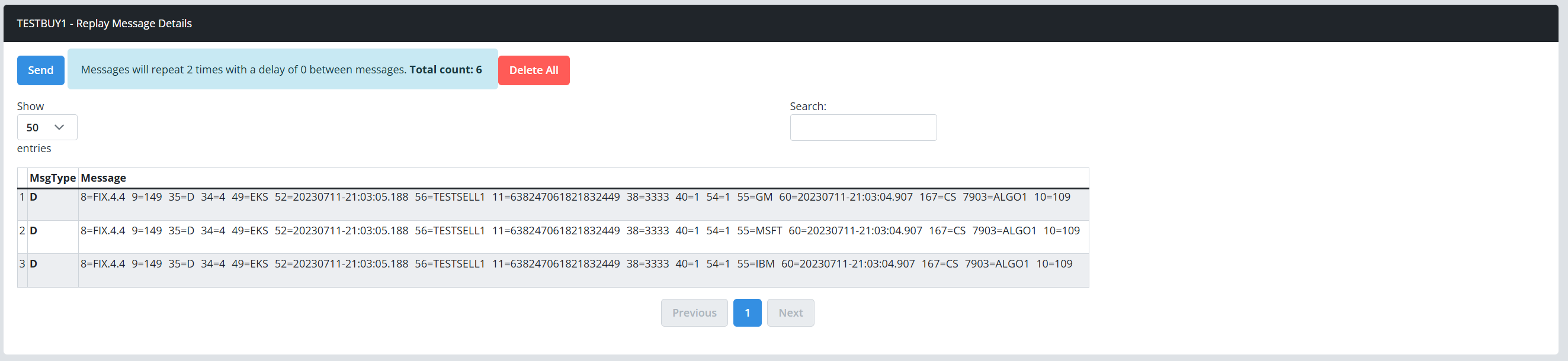
The Replay Message Details window provides a preview of the messages contained within the log file to be sent.
