 FIXSIM
Session Overview Report
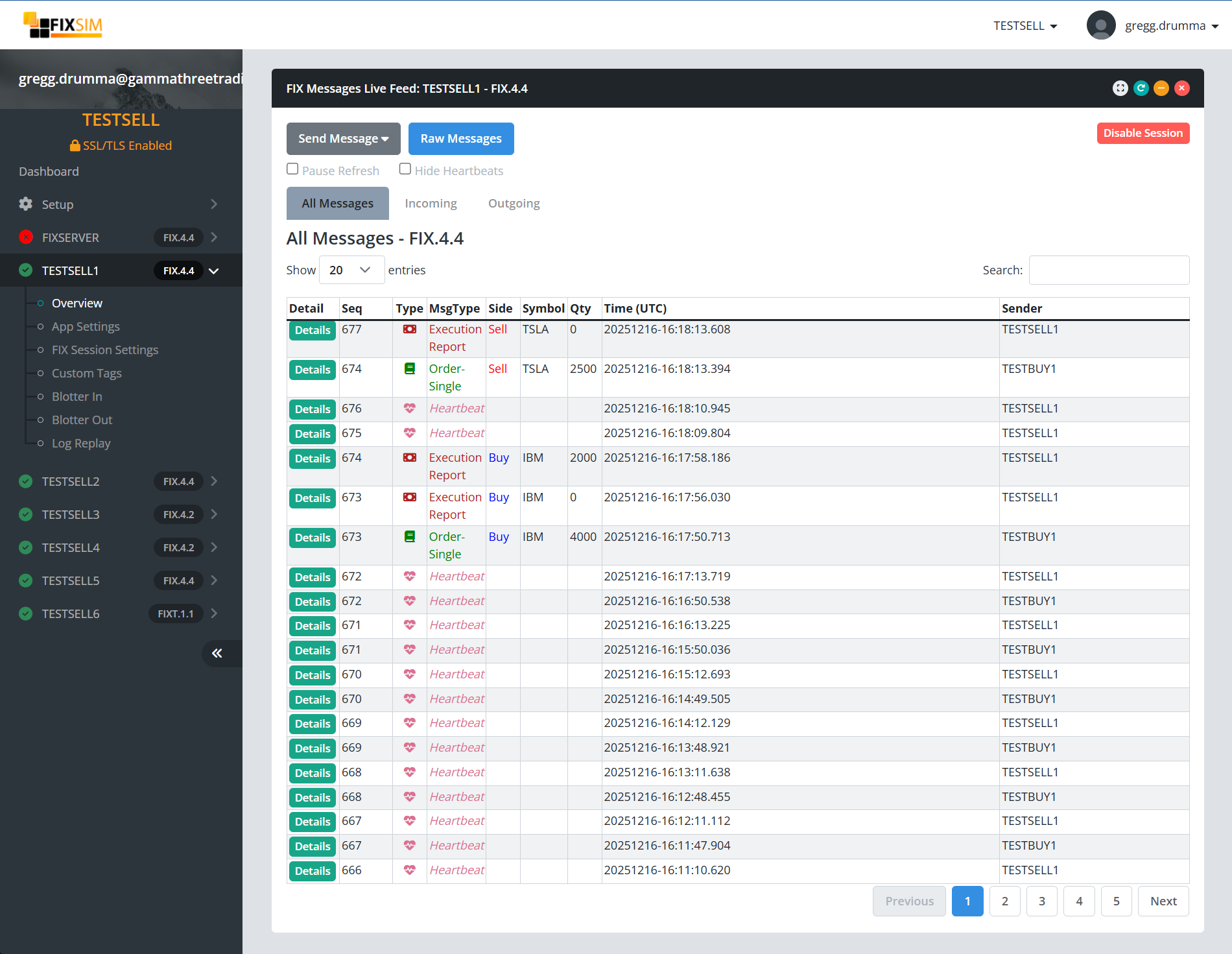
The Overview report shows a real-time view of the FIX message traffic between FIXSIM and the connected FIX application. See live traffic and drill into messages sent / received to see FIX messages and tag descriptions.
Messages Live Feed
Filter Tabs
The message table has tabs to filter messages as follows:
- All Messages - Show all messages sent / received
- Incoming - Filter messages showing only incoming application messages.
- Outgoing - Filter messages showign only outgoing application messages.
Actions
On the Overview report, there are a few buttons and checkboxes to create actions.
Send Message
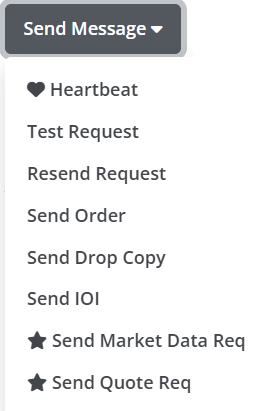
From the Send Message dropdown button, there are a number of actions that can be triggered.
- Heartbeat - Manually send a Heartbeat (35=0) to the other side.
- Test Request - Manually send a Test Request (35=1) to the other side. Expected heartbeat to be returned.
- Resend Request - Manually send a ResendRequest (35=2). Modal dialog box will appear to allow the definition of what message range.
- Send Order - Shortcut to send New Order Single (35=D) form.
- Send Drop Copy - Shortcut to send a "drop copy" Execution Report (35=8) form.
- Send IOI - Shortcut to send Indication of Interest (IOI) (35=6) form.
- Send Market Data Request - Shortcut to send Market Data Request (35=V) form.
- Send Quote Req - Shortcut to send Market Data Request (35=R) form.
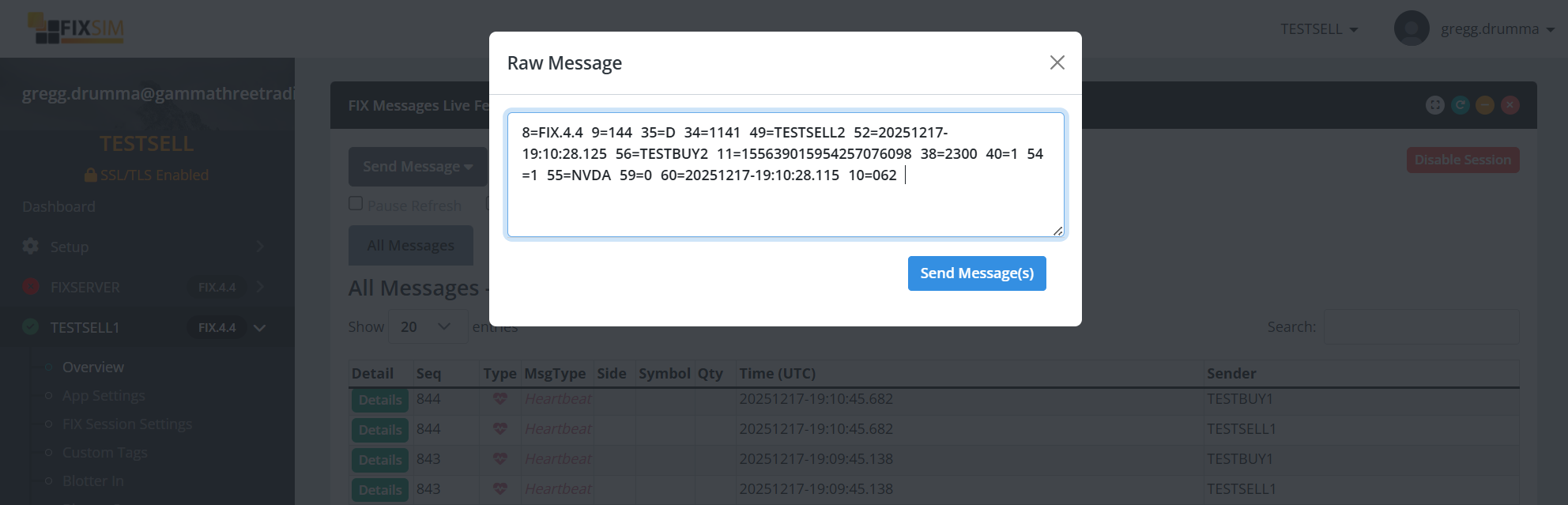
Raw Message
Clicking on the "Raw Message" button will bring up a modal where you can paste a "raw" FIX message to be sent through FIXSIM. FIXSIM will update the fields thar are ncessary, inculding: SenderCompId, TargetCompId, MsgSeqNum, BodyLength, Checksum, and more.